Inventory Turnover Calculator
Discover Opportunities Across Your Store — Don’t Leave Anything Hidden.
- Profit and Loss Calculator
- Profit Margin Calculator
- Markup Calculator
- Break-Even Calculator
- Pricing Calculator
- Average Order Value (AOV) Calculator
- Conversion Rate Calculator
- Customer Acquisition Cost Calculator
- Inventory Turnover Calculator
- Reorder Point Calculator
- Cash Flow Calculator
- Marketplace Fee Calculator
- Sales Conversion Rate Calculator
Make Every Product Work Harder for Your Business
Excess stock ties up cash and slows growth. The inventory turnover calculator gives you the visibility to track how quickly your products sell and are replenished, helping you make better inventory choices that directly impact your bottom line.
With this tool, do more with your insights, instantly:
- Calculate inventory turnover, dead stock, and cash lock-in
- Assess inventory velocity, restock frequency, and warehouse efficiency
- Identify top-selling and slow-moving products to optimize purchasing
Understanding how your stock performs lets your business thrive, whether online, in-store, or in bulk.
Use the inventory turnover calculator to streamline operations, reduce waste, improve cash flow, and turn your inventory into a competitive advantage.
How to Use This Calculator
- Enter Annual Cost of Goods Sold (COGS) – The total cost of products sold during the year.
- Enter Average Inventory Value – Average value of inventory held over the period.
- Enter Total Inventory Value – Current total inventory on hand.
- Enter Dead Stock Value – Inventory that hasn’t moved for a long time.
- Enter Fast-Moving Inventory Value – Inventory that sells quickly.
- Enter Average Holding Period (days) – Average time inventory stays in storage.
- Click “Calculate” to see the results displayed in the results section.
What the Results Mean
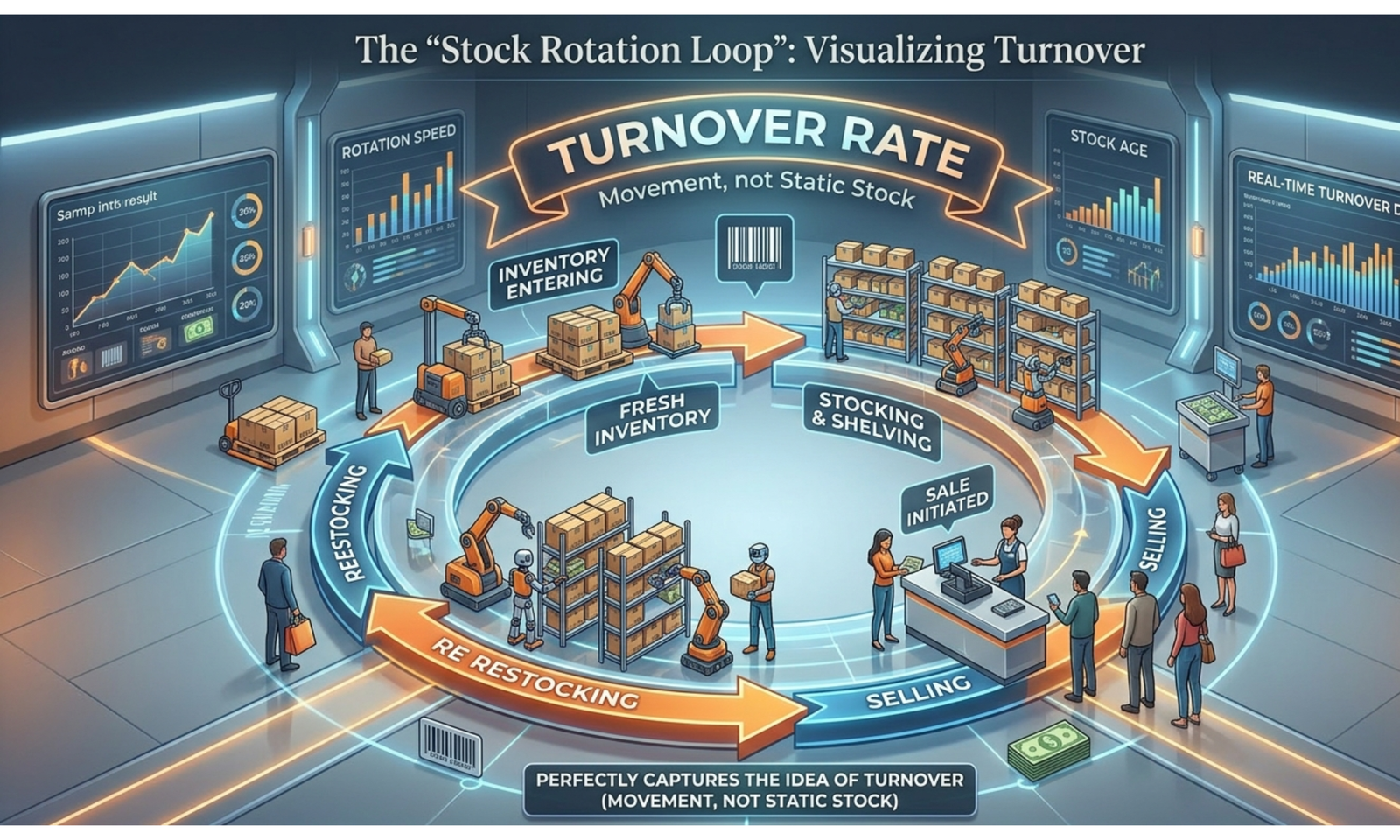
- Inventory Turnover – How many times inventory is sold and replaced in a year. Higher values indicate better efficiency.
- Dead Stock Rate – Percentage of inventory that isn’t selling. High values indicate excess or obsolete stock.
- Cash Lock-In – Money tied up in inventory; lower amounts are better for cash flow.
- Inventory Velocity – Average number of days inventory is held. Faster turnover is preferable.
- Restock Frequency – How often inventory needs replenishment in a year.
- Warehouse Efficiency – Percentage of inventory that is fast-moving. Higher percentages indicate more efficient stock usage.
Why Knowing Your Inventory Turnover Matters
- Helps optimize stock levels and reduce holding costs.
- Identifies slow-moving or obsolete inventory to minimize losses.
- Improves cash flow management and working capital efficiency.
- Supports better forecasting and ordering decisions.
- Enables smarter product planning and resource allocation.
A Simple Example
Suppose your business has the following data:
- Annual COGS: $120,000
- Average Inventory: $30,000
- Total Inventory: $40,000
- Dead Stock: $8,000
- Fast-Moving Inventory: $25,000
- Average Holding Period: 60 days
Calculations:
- Inventory Turnover = 120,000 ÷ 30,000 = 4x (inventory sold and replaced 4 times/year)
- Dead Stock Rate = (8,000 ÷ 40,000) × 100 = 20%
- Cash Lock-In = (30,000 ÷ 365) × 60 ≈ $4,932
- Inventory Velocity = 365 ÷ 4 ≈ 91 days
- Restock Frequency = 4 / year
- Warehouse Efficiency = (25,000 ÷ 40,000) × 100 = 62.5%
This example helps visualize inventory performance and highlights areas for improvement.
Inventory Turnover Calculator FAQs
1. How can I use this calculator to evaluate inventory efficiency?
Enter your COGS and average inventory value to calculate inventory turnover. Higher turnover usually means inventory is selling quickly and capital is used efficiently.
2. How can I identify slow-moving or obsolete inventory?
Enter your dead stock value and total inventory value. The Dead Stock Rate shows the percentage of inventory that is not selling, helping you detect inventory problems early.
3. How can I estimate how long products stay in the warehouse?
Use the Inventory Velocity result. It shows the average number of days inventory remains in stock before being sold.
4. How can I understand how often inventory needs to be replenished?
The Restock Frequency result tells you how many times per year inventory cycles through your warehouse, helping plan purchasing schedules.
5. How can I evaluate the impact of excess inventory on cash flow?
The Cash Lock-In value estimates how much money is tied up in inventory during the holding period, which helps assess working capital usage.
6. How can I test the effect of reducing inventory levels?
Lower the average inventory value and recalculate. If turnover increases and cash lock-in decreases, your inventory management becomes more efficient.
7. How can I analyze warehouse performance using this tool?
Enter fast-moving inventory and total inventory values. The Warehouse Efficiency percentage shows how much of your stock consists of products that sell quickly.
8. How can I determine whether my inventory turnover is too low?
If turnover is low and inventory velocity is very high (many days), it indicates slow sales or excess inventory levels that may need adjustment.
9. How can I simulate seasonal inventory scenarios?
Adjust COGS or holding days to reflect seasonal demand changes and observe how turnover and inventory velocity respond.
10. How can I identify inventory that is locking too much capital?
Compare cash lock-in and dead stock rate. High values suggest inventory is tying up cash that could be used elsewhere in the business.
11. How can this calculator help improve purchasing decisions?
Use the restock frequency and inventory velocity outputs to determine optimal ordering intervals and avoid overstocking.
12. How can I evaluate the balance between fast-moving and slow-moving items?
Compare fast-moving inventory value with total inventory value. A higher warehouse efficiency percentage indicates healthier inventory composition.
13. How can I use this tool to plan warehouse space utilization?
If warehouse efficiency is low and dead stock is high, it suggests storage space is being wasted on non-performing inventory.
14. How can I test inventory optimization strategies?
Adjust dead stock, fast-moving inventory, and holding days to simulate improved stock management and measure potential operational gains.
15. How can I combine these metrics to improve supply chain planning?
By analyzing turnover, velocity, restock frequency, and cash lock-in together, you can optimize ordering cycles, reduce holding costs, and improve supply chain efficiency.