Comprehensive Profit Margin Calculator
Product Costs ▼
Fulfillment & Logistics ▼
Sales & Marketing ▼
Don’t Settle for a Single Metric, Understand Your Store Inside Out.
- Profit and Loss Calculator
- Markup Calculator
- Break-Even Calculator
- Pricing Calculator
- Average Order Value (AOV) Calculator
- Conversion Rate Calculator
- Customer Acquisition Cost Calculator
- Inventory Turnover Calculator
- Reorder Point Calculator
- Cash Flow Calculator
- Marketplace Fee Calculator
- Sales Conversion Rate Calculator
See Your True Profit in Seconds
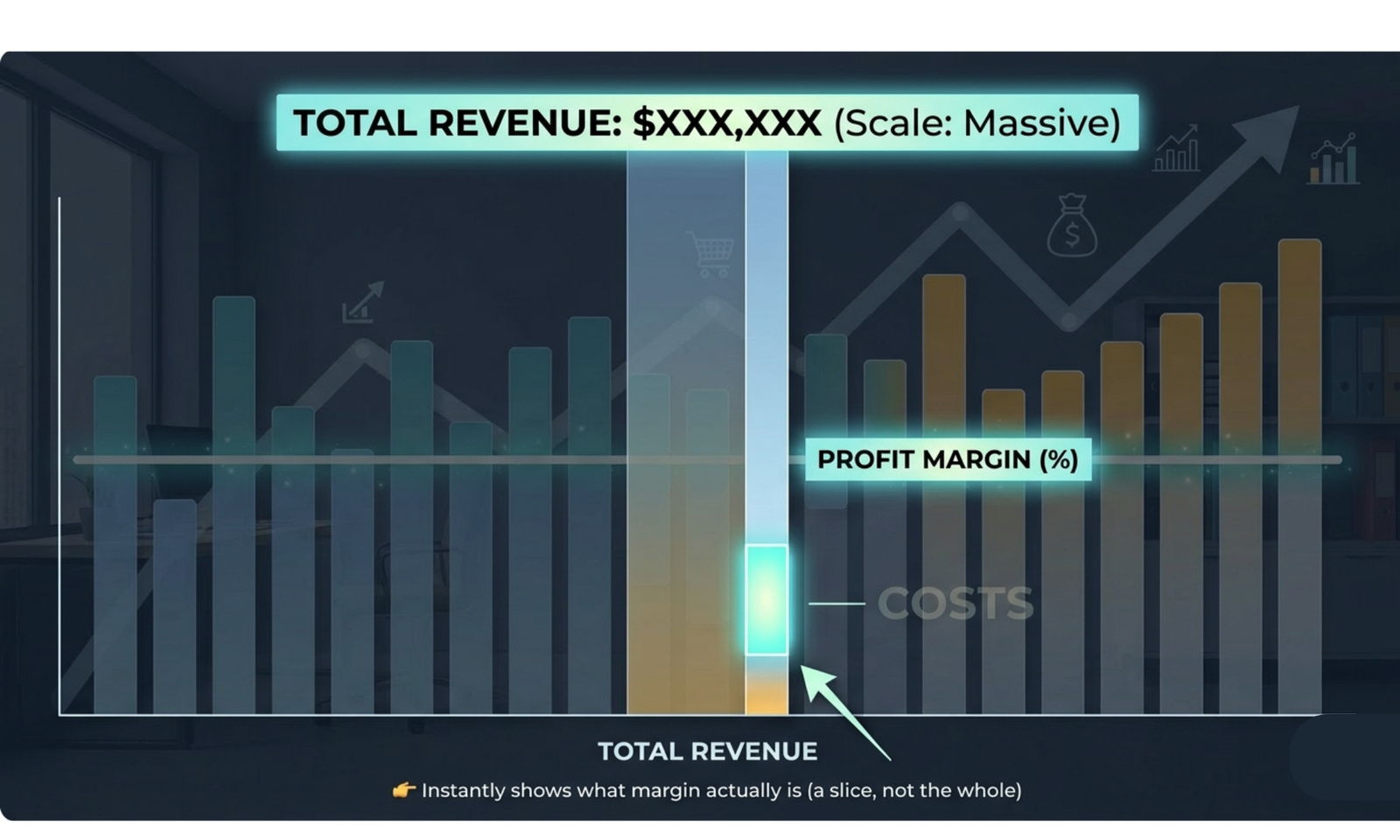
Every decision from pricing to operations—affects your bottom line. The business profit margin calculator gives you a complete, real-time view of how much money your business truly earns per product or service.
By including every cost—production, logistics, marketing, and custom expenses, you gain insights that allow you to:
- Understand gross, contribution, and net margins instantly
- Price smarter to protect and grow profits
- Identify cost-saving opportunities without sacrificing quality
No matter if you run a shop, an online store, or a service business, this tool turns your raw data into strategies you can actually use. Make smarter choices, increase profits, and grow your business sustainably.
Take control of your margins, eliminate uncertainty, and turn your business data into decisions that directly boost your bottom line with the business profit margin calculator.
How to Use This Calculator
- Choose Currency – Select the currency for your calculations.
- Input Cost per Unit – The cost to make or acquire each product.
- Input Selling Price per Unit – How much you sell each item for.
- Input Quantity Sold – Total units sold.
- Enter Category Costs – Include production, logistics, marketing, and optional custom costs.
- Click “Calculate Margin” to view revenue, gross margin, contribution margin %, and net margin.
What the Results Mean
- Revenue – Total income generated from sales.
- Variable Costs – Expenses that increase with each unit sold.
- Additional Costs – Marketing, logistics, and other operational expenses.
- Gross Margin – Profit after variable costs but before additional expenses.
- Contribution Margin % – Percentage of revenue that contributes to covering other costs.
- Net Margin – Final profit after all expenses; the money you keep.
Why Knowing Your Business Profit Margins Matters
- Set pricing strategies that maintain profitability.
- Identify and reduce unnecessary costs.
- Make informed financial and business decisions.
- Forecast growth and ensure sustainable operations.
Cost per Unit: $1.81
Selling Price per Unit: $3.61
Quantity Sold: 400
Additional Costs: $240.96
Revenue = 3.61 × 400 = $1,445.78
Variable Cost = 1.81 × 400 = $722.89
Gross Margin = 1,445.78 − 722.89 = $722.89
Contribution Margin % = (722.89 ÷ 1,445.78) × 100 = 50%
Net Margin = 1,445.78 − (722.89 + 240.96) = $481.93
Explanation:
This shows that even after covering all costs, your business earns $481.93 in net profit.
FAQs for Business Profit Margin Calculator
1. How can I see which costs are highest?
Enter costs in each category (product, shipping, marketing, custom costs) to find out which one eats up the most money.
2. Can I try different prices to see what happens?
Yes. Change the selling price or quantity and click calculate to see how it affects revenue and profit.
3. What’s the point of custom costs?
Custom costs let you add any extra expenses that aren’t in the main categories, so your profit calculation is more accurate.
4. Can I check if bundles make money?
Yes. Add the costs and price of a bundle to see if selling it makes a profit.
5. How do I know if my product is covering costs?
Look at the contribution margin %—it tells you what part of revenue is left after variable costs to cover fixed costs.
6. What if my net margin is negative?
That means you’re losing money. Check which costs are highest and see where you can cut or adjust.
7. Can I use this to plan for bigger sales?
Yes. Change the quantity sold and see how your profit changes if you sell more.
8. Why separate costs into categories?
It helps you see exactly where money is going and make smarter decisions about spending, discounts, or ads.
9. Can I check if marketing is worth it?
Include advertising and discount costs. If your net margin stays positive, your marketing is profitable.
10. How do I see the impact of cheaper materials or production?
Lower the raw material or manufacturing costs and click calculate to see how your profit improves.
11. Can this help me know my break-even point?
Yes. If revenue is more than total costs, you’re making money. You can adjust price or quantity to reach break-even.
12. Can I use this for sales in different currencies?
Yes. Select the currency to see revenue and profit in that money type.
13. How do I know which cost cuts help most?
Try reducing costs in different categories and see which change increases net margin the most.
14. How can this help me set prices?
Compare revenue and total costs to see how much profit you make at different prices and decide the best price.
15. Can I compare different products?
Yes. Enter costs and sales for each product separately to see which one makes the most profit.